Planning & care
How to Photograph and Report a Dress Order Problem
Document a dress order concern with clear photos, the order details and a specific description so customer support can understand the issue.
Describe the difference precisely
Start with what you ordered and what you observed. “The fastening stops at this point” or “the received label shows this size” is more useful than “it is wrong.” Include when the dress arrived and whether it has been worn, cleaned or altered.
Separate a visible condition concern from a fit question or a color expectation. Different issues may require different evidence. State the outcome you are requesting, while allowing support to assess the order under the applicable policy.
Take a small useful photo set
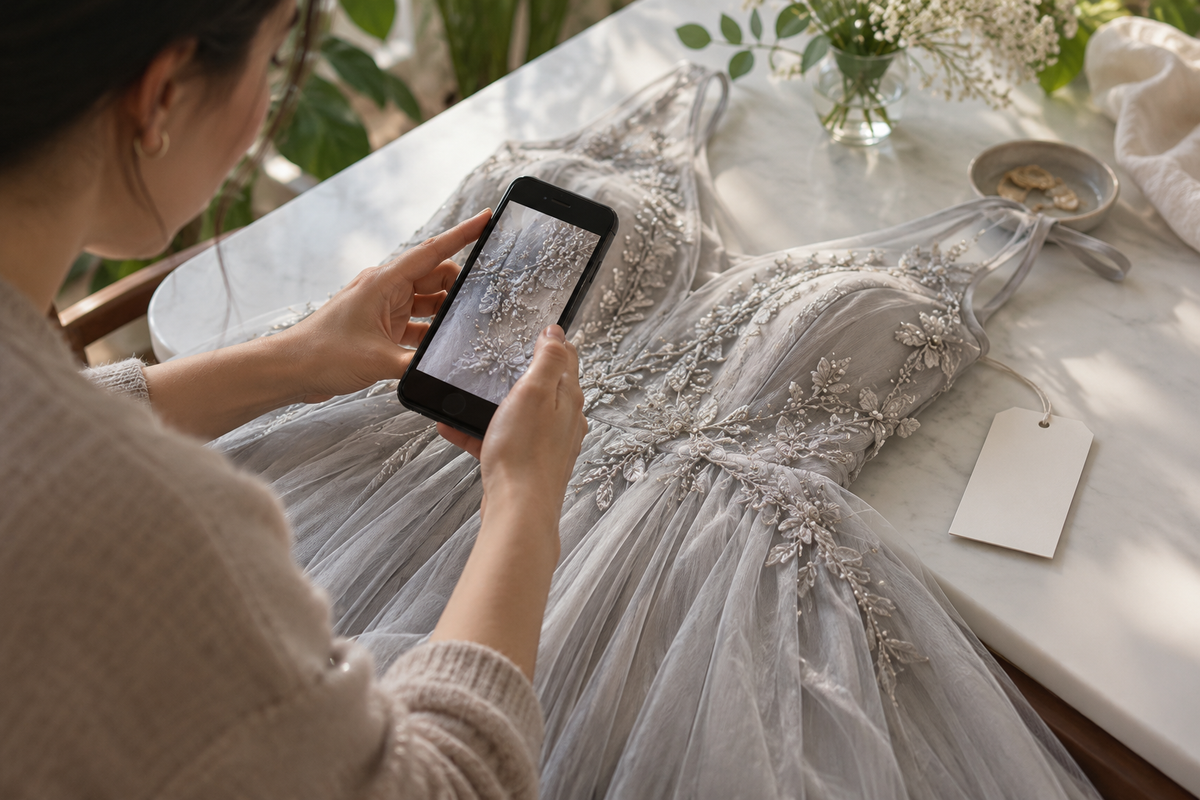
Use even natural light and a clean plain background. Take one overall front view, one back view if relevant and a close-up that includes enough surrounding fabric to show the issue’s location. Avoid filters, dramatic color edits and screenshots of heavily compressed images.
If scale matters, ask how the store wants it documented. Keep measurement units visible when requested and avoid stretching fabric to change the reading. Do not cut, unpick or pull at a seam to make a detail easier to photograph.
Protect personal information
Use the store’s official contact route and keep the order number in the private support conversation. Crop out unrelated addresses, payment details and other people from images. Do not post private order documents publicly to ask for help.
A fit concern may be documented without sharing an identifying full-body image. Ask what evidence is necessary and use a helper or a flat view where appropriate. The purpose is to communicate the garment concern, not to reveal more personal information than needed.
Keep one organized record
Send the main details in one clear message and retain the response. If support asks for another angle, label what the new image shows. Follow current policy deadlines and any written instructions.
Do not send the dress to a guessed address or use it for the event while waiting for a condition assessment. At Ada, return instructions and eligibility depend on the current policy, and approved returns are to China. Keep the garment safe until the next step is confirmed.
At a glance
| Issue | Useful evidence | Avoid |
|---|---|---|
| Condition | Overall view plus close-up | Pulling or altering the area |
| Wrong option | Order confirmation and received label | Publicly sharing private records |
| Fit question | Requested measurement method | Guessing garment-versus-body equivalence |
| Color question | Unfiltered views in neutral light | Claiming a screen is a physical standard |
Your checklist
- State the order number privately.
- Describe one observable concern at a time.
- Use clear overall and detail photos.
- Keep the dress unaltered.
- Follow written support instructions.
Common questions
Do I need to publish photos on social media?
No. Use the store’s official support channel and protect personal order information.
Should I repair the dress before reporting a concern?
Report it first and preserve its condition. Alterations or cleaning can affect assessment and policy eligibility.